
Got an app idea, but not a developer budget?
Google Sheets Tools with AI: Small tools inside Google Sheets, written by AI, with the permission screen explained.
One payment · instant access by e-mail · HTML + PDF
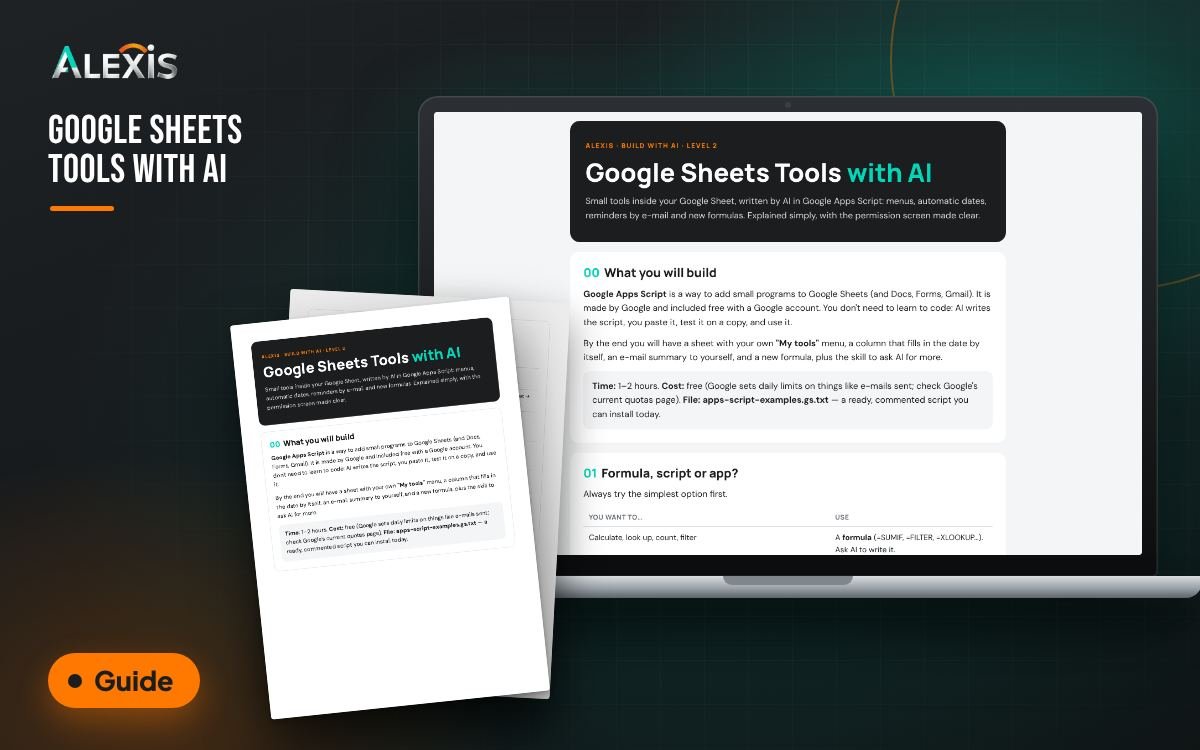
What it does, in 15 seconds.
“I have an idea for an app or tool, but building it costs too much.”
Many ideas die waiting for a developer, or eat a big budget before anyone has tried them. With AI builders you can make a small working version and see if people want it first.
Google Sheets Tools with AI fixes exactly this. Add your own tools to Google Sheets with Google Apps Script, written by AI and explained simply. Install a ready, commented script that adds a menu, highlights overdue tasks, stamps the date on status changes, e-mails you open enquiries and adds a new formula. Learn to read Google's permission screen safely, ask AI for your own tools with a proven prompt, use triggers, fix errors and follow clear safety rules.
“Developers quoted me a fortune.”
“What if nobody wants it?”
“I can't code.”
What you get.
Guide + PDF · Guide + ready script (PDF + web + .gs.txt) · Intermediate
apps-script-examples.gs.txt: 6 ready tools in one script
Permission-screen guide and how to remove access
5 ready prompts incl. the script request and error fixer
Triggers, custom functions, error table, safety checklist, 10 tool ideas
Guide (interactive HTML)
Opens in your browser, no install. Fill it in on screen; it does the work and keeps your answers.
Printable PDF
The same content to print, save or share with your team or accountant.
What you get, concretely.
Real pictures of the product, not a mock-up of a promise.
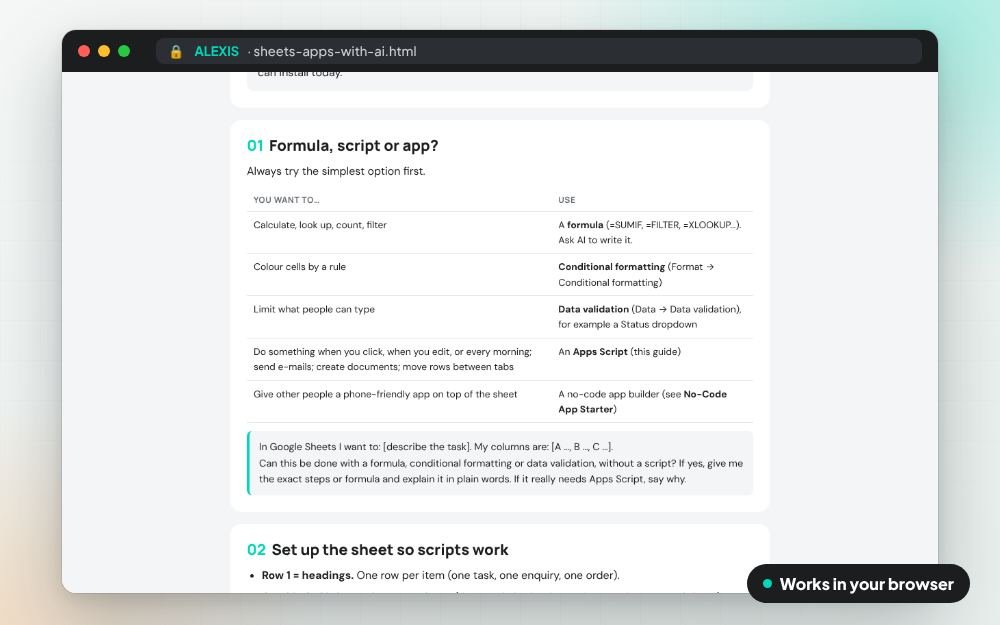
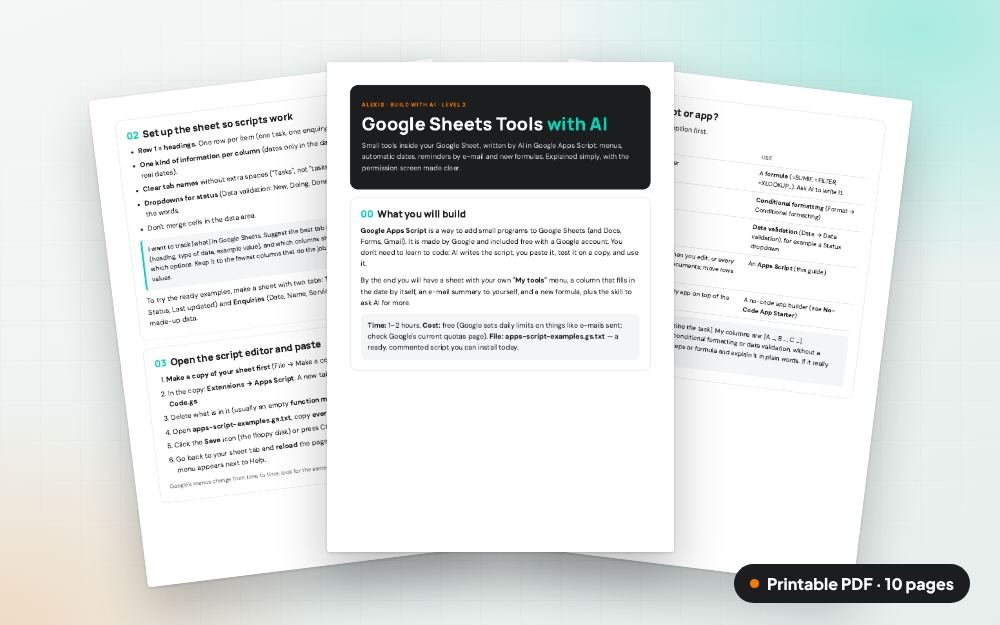
Three steps. That's it.
Download the guide and open it in your browser or as a PDF.
Follow the numbered steps; every click is explained.
Use the templates and checklists inside for your own business.
What changes for you.
One problem, solved
Made only for “Can't afford to build my idea”. Nothing you don't need.
Your numbers, your words
You fill it in with your own business, so the answer is yours.
Use it today
For people who already use AI a little.
Made from real work
Built from what we use with ALEXIS clients, in plain English.
Is it for you?
It is for you if
- Owners who run their business from Google Sheets
- Teams who repeat the same spreadsheet steps every day
It is not for you if
- You need a finished, large platform now
- You won't show it to real users

Who I am, and why I made this.
I'm Ana Maria Sufana, founder of ALEXIS in Dubai. My 35 years in business took me from simple employee to manager, then consultant, then entrepreneur and business owner. I have sat on every side of the table.
Everything in this product is built on that road: the trials and the failures, the good and the bad. Nothing here is theory. It is what I learned the hard way, written down so you don't have to pay for the same mistakes.
And I use these tools myself, every day, in my own business: the AI assistants, the automations, the plans and the workbooks. ALEXIS itself runs on them. I keep what works and I drop what doesn't.
- Built on real business experience, not on theory
- I use these tools in my own business before I sell them
- Plain words and concrete steps, made for small businesses
Google Sheets Tools with AI
- apps-script-examples.gs.txt: 6 ready tools in one script
- Permission-screen guide and how to remove access
- 5 ready prompts incl. the script request and error fixer
- Triggers, custom functions, error table, safety checklist, 10 tool ideas
- Interactive HTML page + printable PDF
Checkout opens soon. Please come back in a little while.
Instant download, saved in your account. Secure payment on Payoneer's or PayPal's page: we never see your card details. Digital product: all sales are final, no refunds.
Two products that finish the job.
People who fix this problem usually need these next.
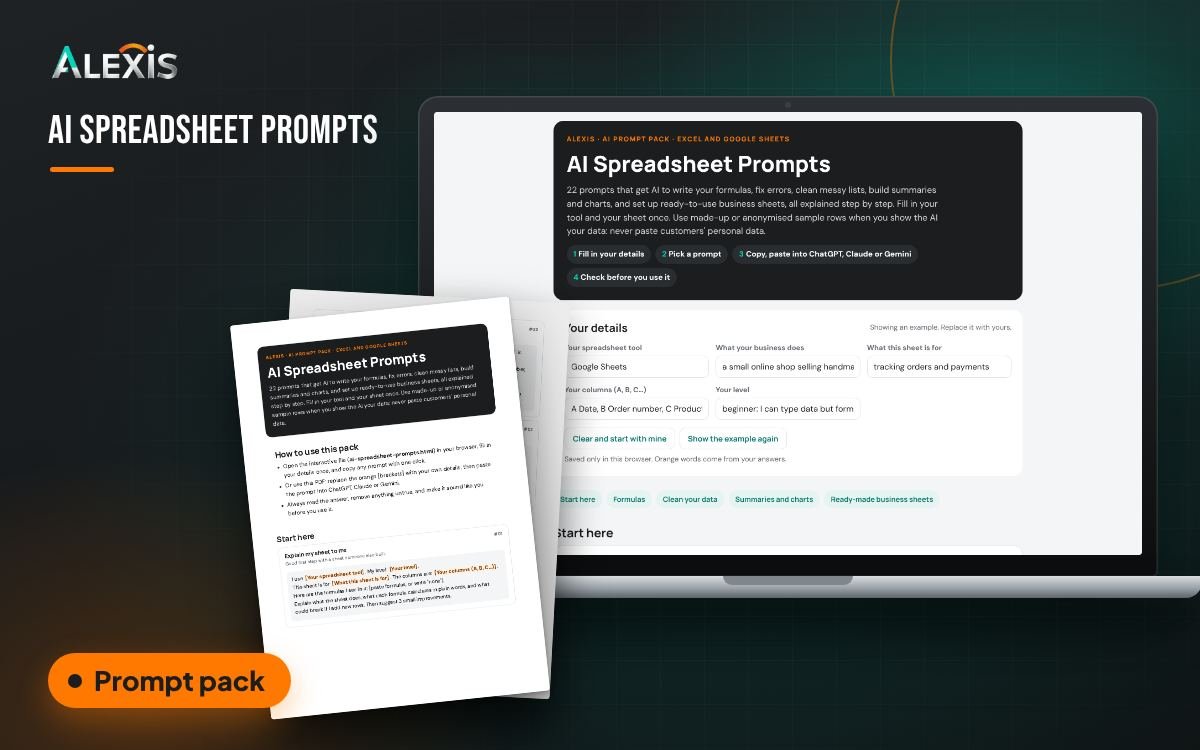
AI Spreadsheet Prompts
Solves: Admin eats my day
Add AI Spreadsheet Prompts at checkout: formulas, clean data, charts and ready business sheets in Excel or Google Sheets.
$7
Test Your Idea Cheaply Kit
Solves: Can't afford to build my idea
Fix the whole problem, not one part: from idea to a small working version people can try, with AI builders and no big budget.
$197Before you buy.
What do I get?
An instant download with a web page (HTML) and a PDF. Open it in any browser or print the PDF.
Which AI do I need?
ChatGPT, Claude or Gemini. Free plans work for most of it; some features need a paid plan. Check each tool's current plans.
I'm not technical. Can I use it?
Yes. It is written in plain words with numbered steps, and every technical word is explained.
Will it get me results?
It gives you a clear method and ready material. Results depend on your business and your work, so no result is promised.
Is my data safe?
The product never asks for passwords, card details or your customers' personal data, and tells you to keep them out of AI chats.
How do I get it?
Right away. The moment you pay, your download link opens on screen and arrives by e-mail, and the product is saved in your account, where you can download it again any time.
Can I get a refund?
No. This is a digital product that you receive immediately after payment, so all sales are final. Questions about your order? Write to sales@alexis-uae.com.